No direct integration?
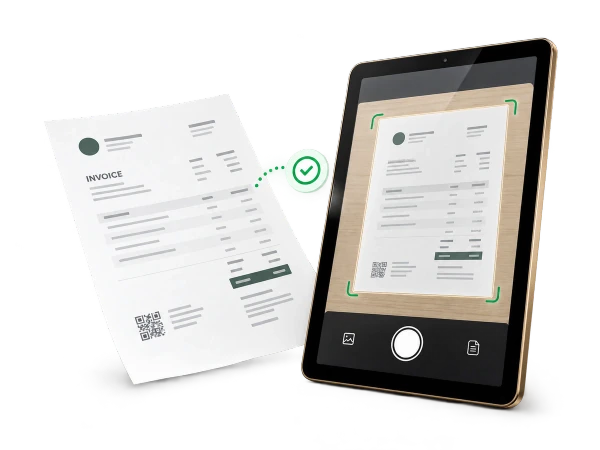
Start with an invoice PDF.
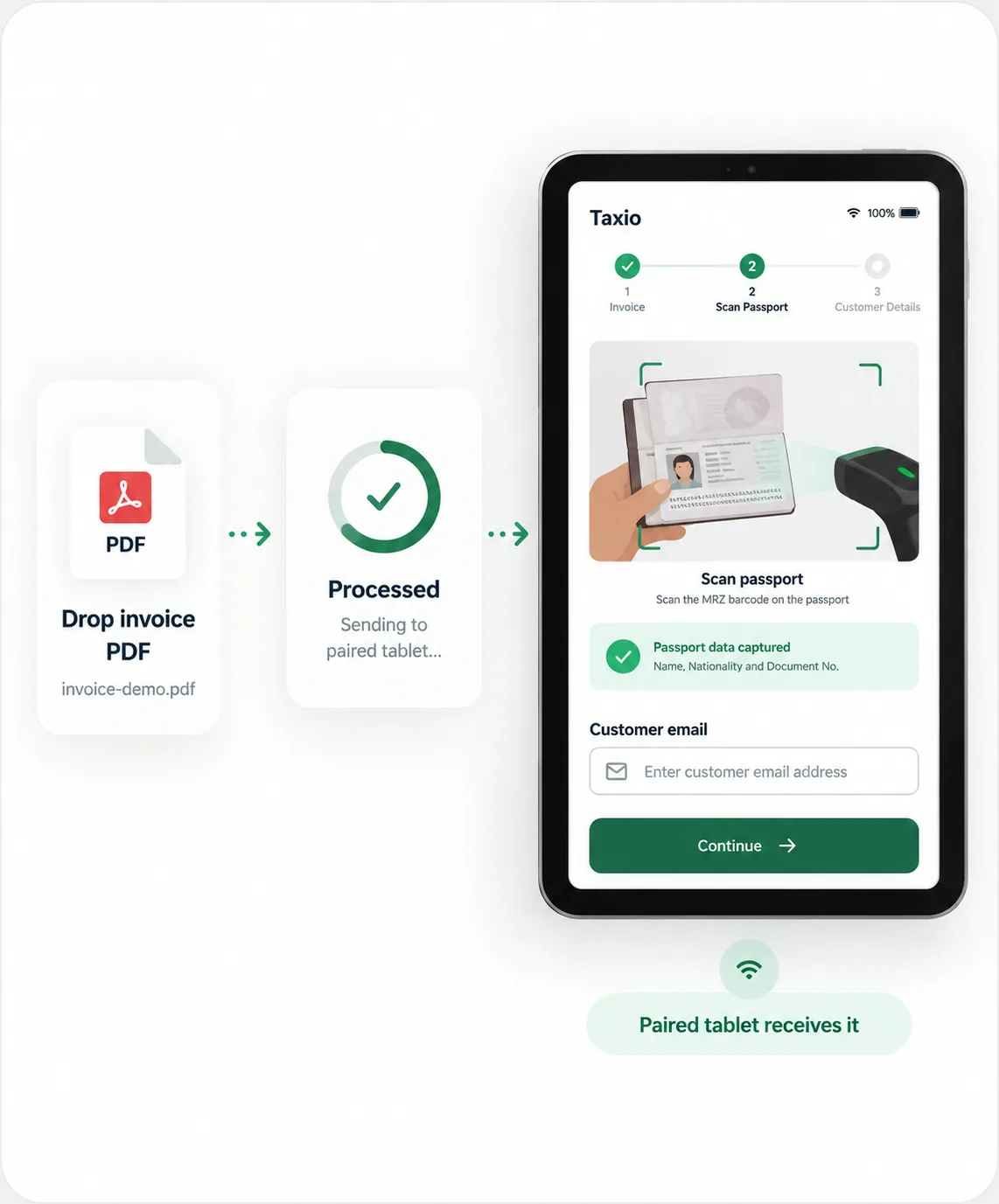
When a POS is SaaS, locked down, or cannot host a connector, Extend can start from a PDF invoice instead.
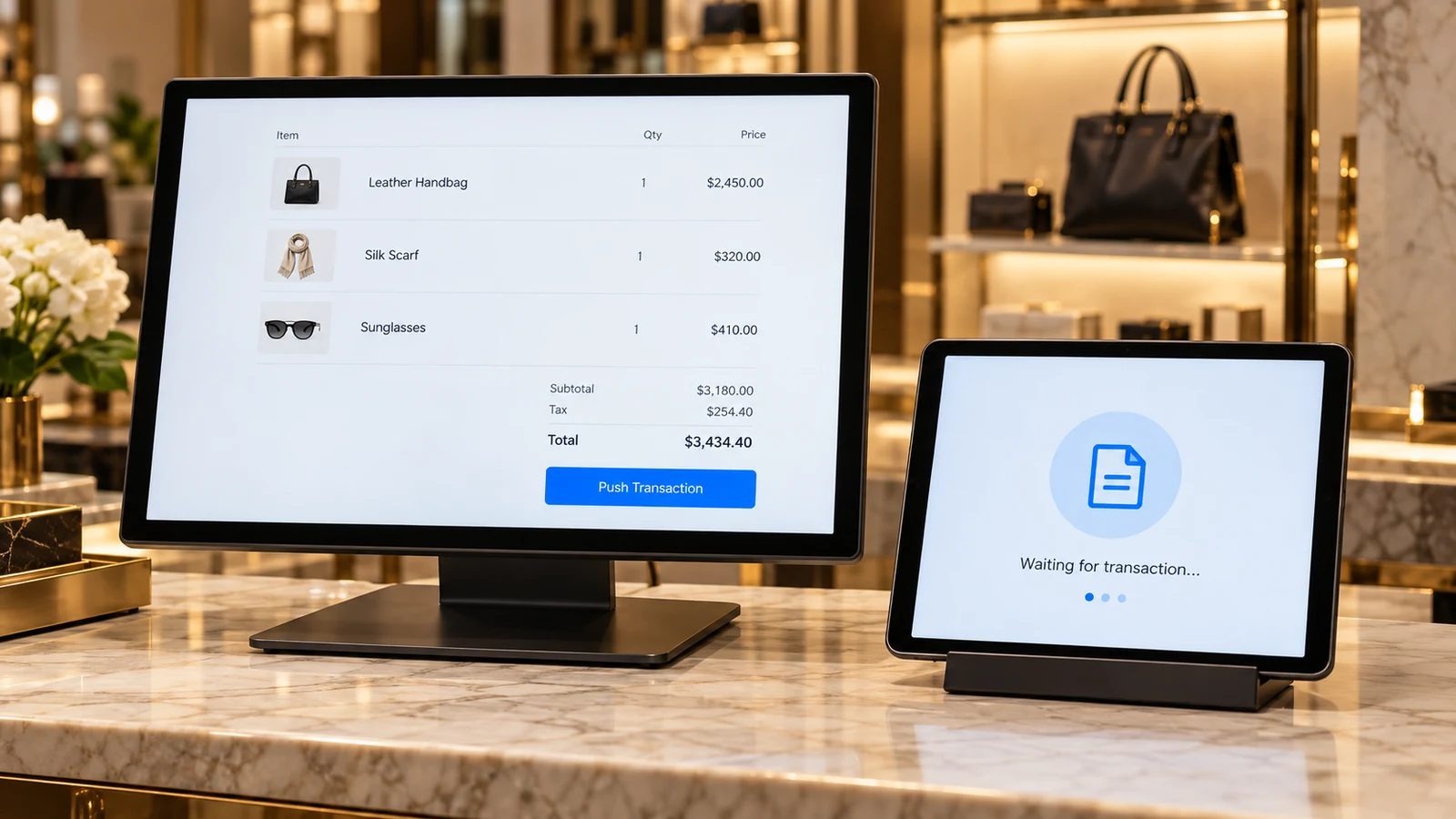
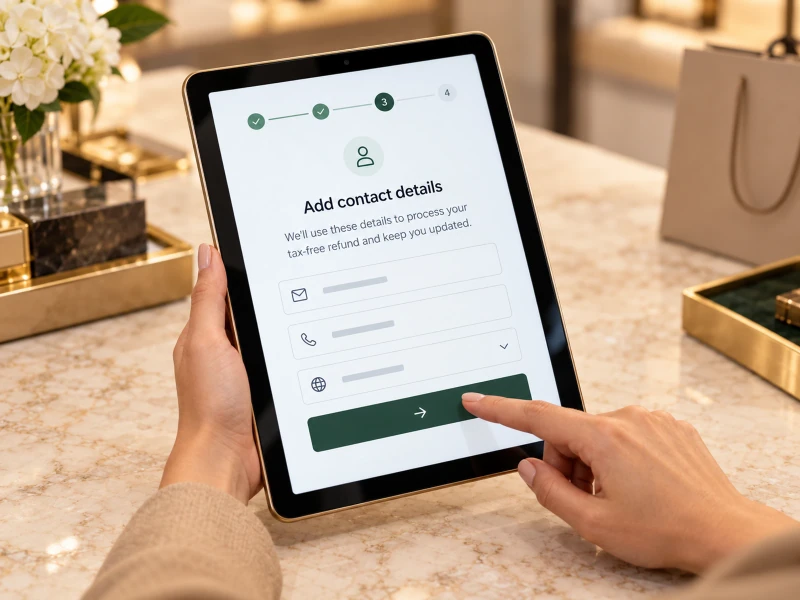
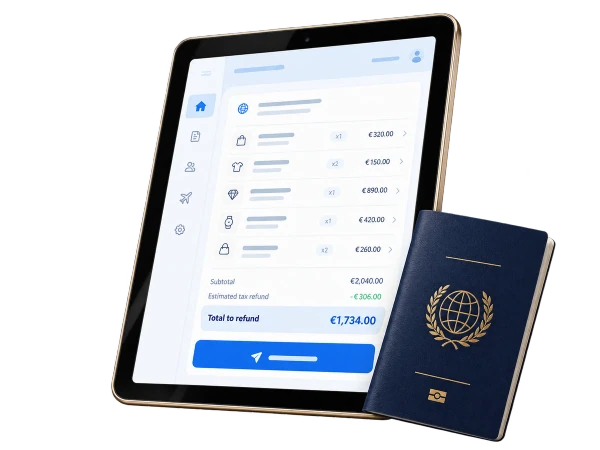
Upload the invoice, review extracted fields, resolve duplicates where needed, deliver it to the paired tablet, and continue the same shopper-facing workflow.
PDF intake depends on invoice layout quality and may require human review for unreadable files, missing totals, duplicate invoices or provider-specific fields.
- 01 - Upload invoice Drop the merchant invoice PDF into Extend.
- 02 - Process transaction Extend prepares the transaction workflow for review.
- 03 - Continue on tablet The paired device receives the transaction.
The Extend tablet app is built for Android tablets and iPad. Confirm the device model and OS version with the team before purchasing hardware.
Talk to the integration team